The Teaching with Technology has moved! You can find all the same content (and more) at the new WordPress site: Teaching with Technology
Animal Research
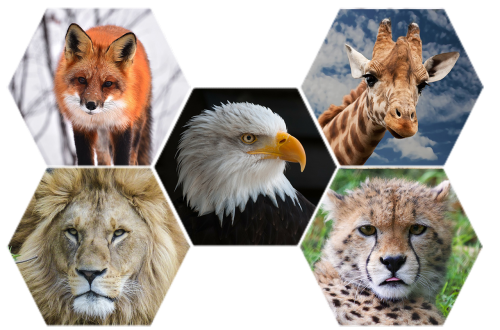
Need some safe websites to use with your students to research animals? Check out this Blendspace:
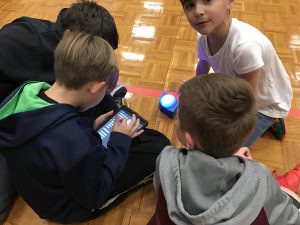
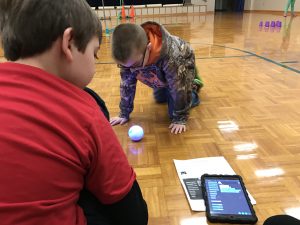
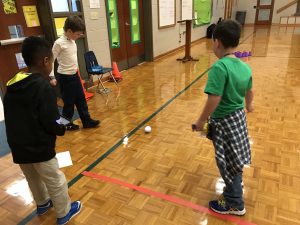
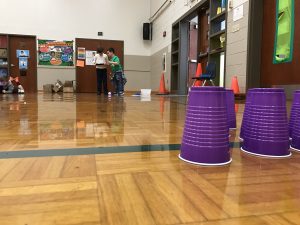
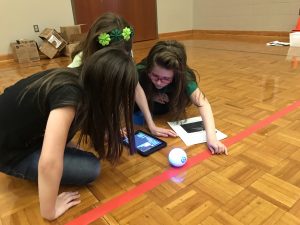
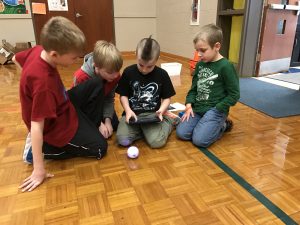
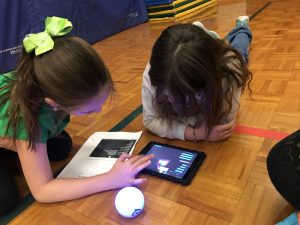
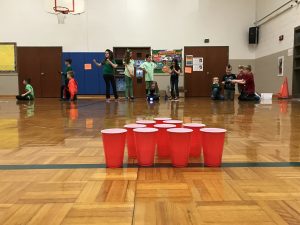
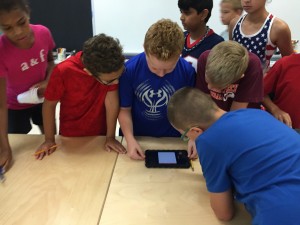
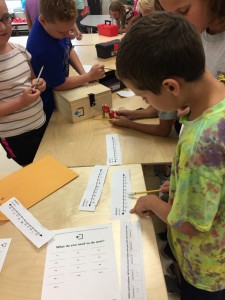
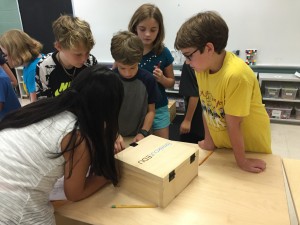
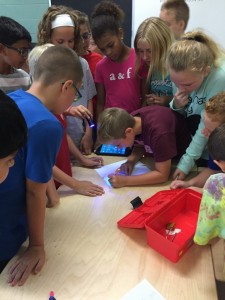
Sphero Bowling at Code Club
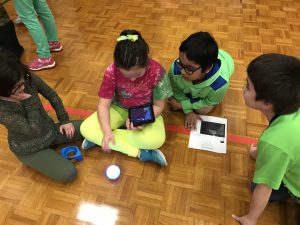
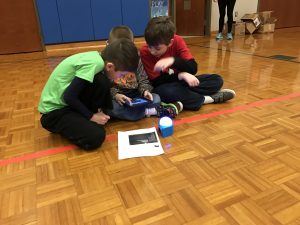
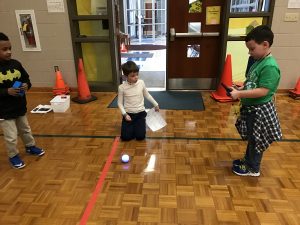
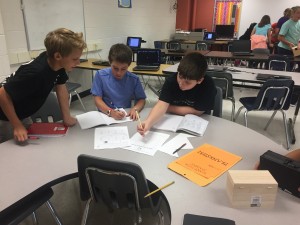
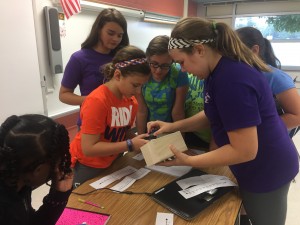
Over 45 Fort Lewis students are participating in Code Club once a week after school. They have been using Code.org, Tynker, and Scratch Jr to learn to code. Last week we introduced Spheros. Students used the app Tickle to code the Spheros to bowl cups. It was much harder than it seemed at first, but teams caught on after a few minutes. Check out some of the pictures below!

Field Trips Around the World with VR
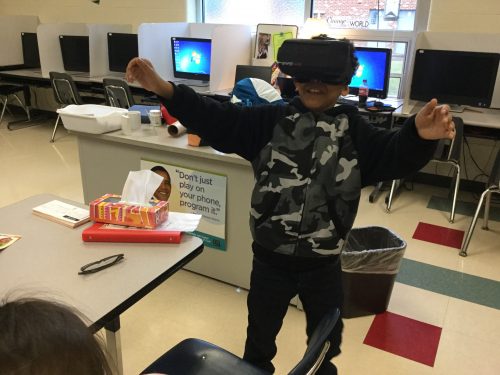
We all know that students remember the things they experience–that’s why we like to take students on field trips when it’s possible. As teachers we know it is often hard to really communicate ideas about different places that students have never been — they can look at pictures, but it’s just not the same. Wouldn’t it be great if we could take students to all the places they study? Talk about an expensive field trip! Or…maybe not!
Over the past few weeks, fourth graders at Oak Grove have been helping me experiment with using Virtual Reality as a way of going on virtual field trips. As they were studying habitats, they had the chance to actually “visit” habitats around the world using the app Google Expeditions. I brought in a virtual reality headset that works with a phone and played around with allowing students to go scuba diving in a coral reef, polar bear site seeing in the arctic, safaris in the savanna, and much more. Since I only have one phone, we also tried out using the app on the iPads without a VR headset, allowing for up to four groups to be participating at a time.
Finally, students then took turns taking each other to different habitats using the teacher console of Google Expeditions and one VR headset. It was fun to watch them teach each other about what they were seeing in the various places. I’m excited about the potential of this technology and can’t wait to see how it will transform classrooms in the future.
Virtual Reality from elemitrt on Vimeo.
What’s for Dinner Stop Motion
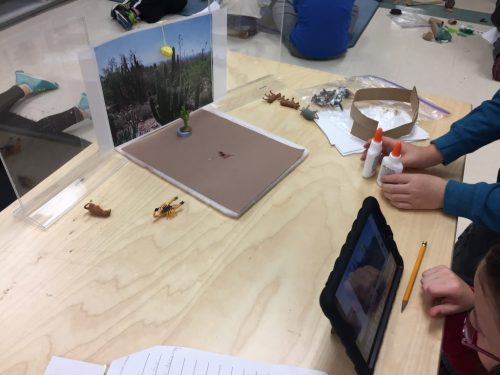
Mrs. Corbett’s class created stop motion videos to demonstrate their understanding of food chains and webs in various habitats/biomes. Check them out below!
Students also reflected on their creations and on the Breakout Edu game they played in class. Check it out here:
FlipGrid Reflections
Breakout EDU
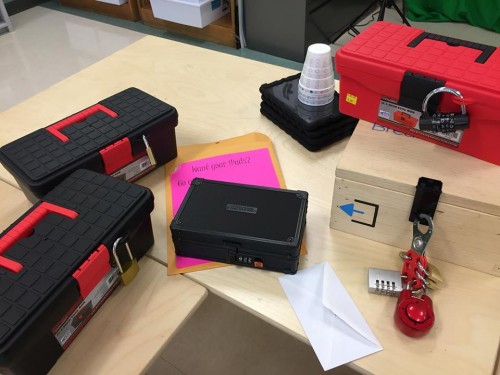
This summer while attending ISTE, I learned about a cool new game for the classroom called Breakout EDU. Here’s a short video about it.
Since receiving my kit, I’ve played it four times–twice with my college students and twice with fifth graders. All ages loved it. For the fifth grade game, I used an adaptation of two of the games on the site (http://www.breakoutedu.com/). The game centered around missing iPads, and students had to use their knowledge of place value to decode the clues to find them.
There are many games already pre-made to use with the kits (for free) and I enjoy making them up too. I’m looking forward to playing with some first graders on Halloween!
Light Up Mother’s Day Cards
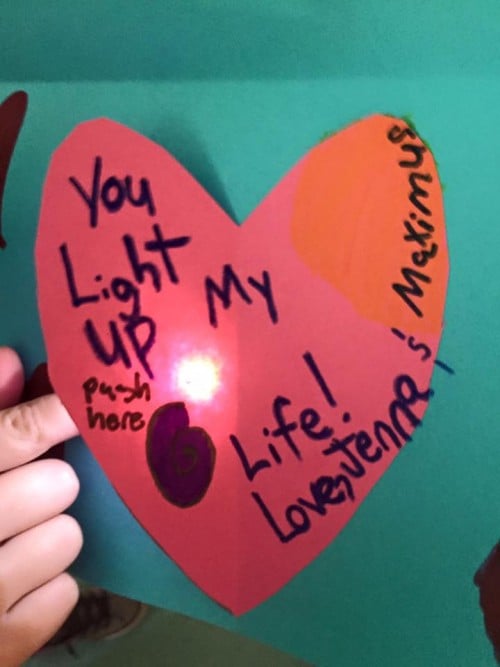
- “You light up my life!”
- “You light up my heart!”
- “You are the light of my life.”
- “You make my day shine!”
- “You make me shine!”
- “You light my way.”
- “You shine like a star.”
- “You are my shining star.”
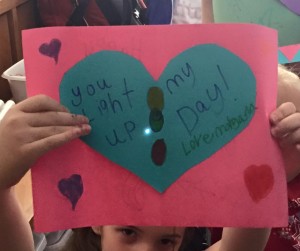
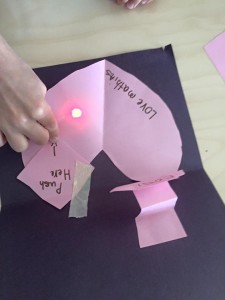
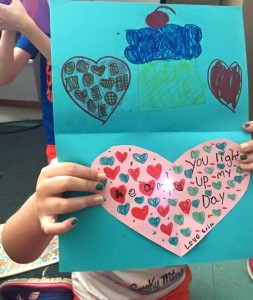
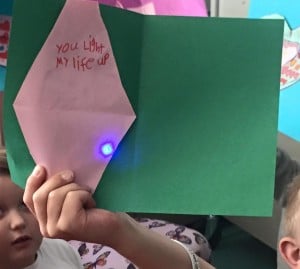
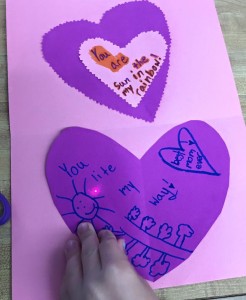
These are just a few of the sayings second graders used on their light up Mother’s Day cards!
We used paper circuits from Chibitronics to create the circuits behind a shape in the inside of their cards.
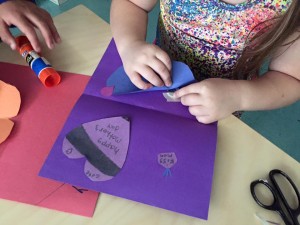
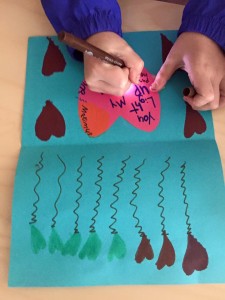
Then they poked holes in the shape to help light shine through and came up with catchy sayings for Mother’s Day. I was so impressed with their creativity and they were so proud of their cards. Take a look at some of them below:

Virtual Field Trips to China
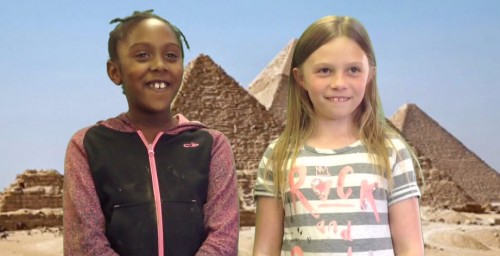
Mrs. Vest’s Class created greenscreen videos about Egypt and China using Greenscreen by Doink! Check out their video creations below.
Plickers

Do you have a cell phone or iPad? Do your students have limited access to online devices? Then Plickers might be for you! Plickers is a simple tool that lets teachers collect real-time formative assessment data without the need for student devices.
Setting Up Plickers is Easy!

Step 1: Teacher downloads the Plickers mobile app. It is free for both iOSand Android – find them on the App Store and on Google Play. It will work on iPads too (just make sure to search for iPhone app)!

Step 2: Print Plickers cards.
Step 3: Set up Classes on Plickers Website.
Step 4: Add Questions on the Plickers Website.
Step 5: On the mobile app, choose the question you want to use.
Step 6: Have students hold up cards with the correct answer facing right-side up. Scan the room with your phone/iPad.
Step 7: Use LiveView Tab on the Website to display results to students.
Step 8: Use Scoresheet under Reports on the Website to monitor student progress, save time on grading, and run detailed reports.
Check out this Slide Show for Help getting started or watch the video below:
How will you use Plickers in your classroom? I can’t wait to hear about it!
Robotic Fraction, Decimals, and Percentages
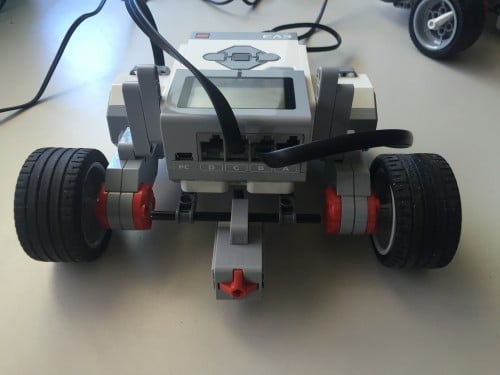
I just posted a lesson I’ve used with various 5th grade classes as they were studying fractions and decimals. We used the Lego EV3 robots, and were able to complete the activity in an hour.
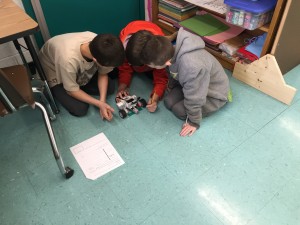
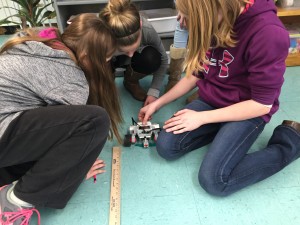
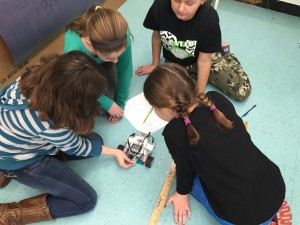
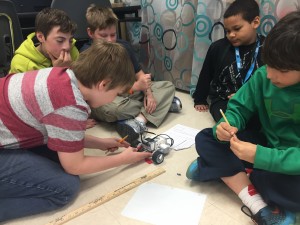
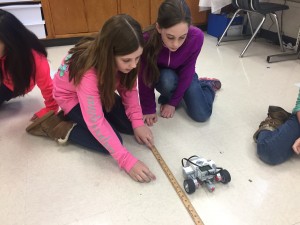
Here’s how the activity works. Using a LEGO® MINDSTORMS® EV3 robot and a touch sensor, each group of students inputs a fraction. Then they convert the fraction into a decimal and a percentage using hand calculations, and double check their work using the EV3 robot. They observe the robot moving forward and record the distance it moves. Students learn that the distance moved is a fraction of the full distance, based on the fraction that they input. For instance, if they input ½, the robot moves half of the original distance. Using this information, students work backwards to compute the full distance. Groups then are challenged to move the robot as close as possible to a target distance by inputting a fraction into the EV3 bot. Four different challenges of increasing difficulty are available in this lesson. Most students complete 2 within an hour, but the extra are included for students who master the concepts quickly.
The kids had a blast with this lesson and were fully engaged. I love how it really makes them think about fractions in a real sense, and that they have to draw on their understanding to figure out the challenges.

If you have access to EV3 robots and want to try the lesson, you can get it here:
