I work at three different schools, and they each have two computer labs. Periodically I’ve tried to add posters and other decorations to the lab walls, but haven’t been able to really add things like I’ve wanted. So this year, I spent time making posters and bulletin board items that focus on some of the new things teachers are being asked to cover while in the lab. I made 6 copies of everything, made an appointment to use the district laminator, and bought a bunch of stick goo and tape. The labs now look completely different, and I’m really happy with their transformation. I wish I’d taken before and after pictures because the labs are all very different in their setup, but I did not.
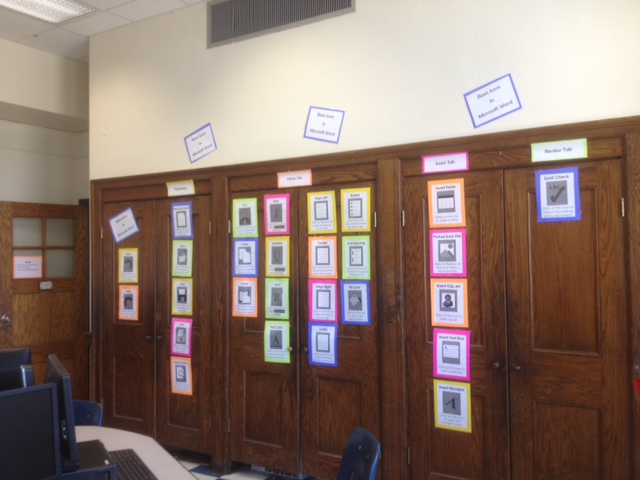
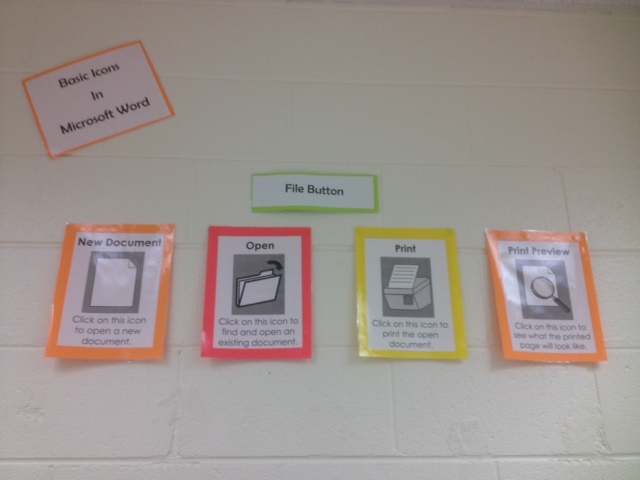
To get ideas, I first started in Teachers Pay Teachers. If you haven’t checked out this site before, it has great resources made by teachers for teachers…and most things are free or cheap. I bought copies of MS Word icons for three of my labs to help assist with the new online writing push. I added some signs to split these icons onto tabs (for MS Office 2007 and 2010). I also bought a couple of copies of Technology ABCs for two of my labs that have space for an alphabet around the top of the room. I also got some great ideas from looking at some of the other posters and signs on this site.
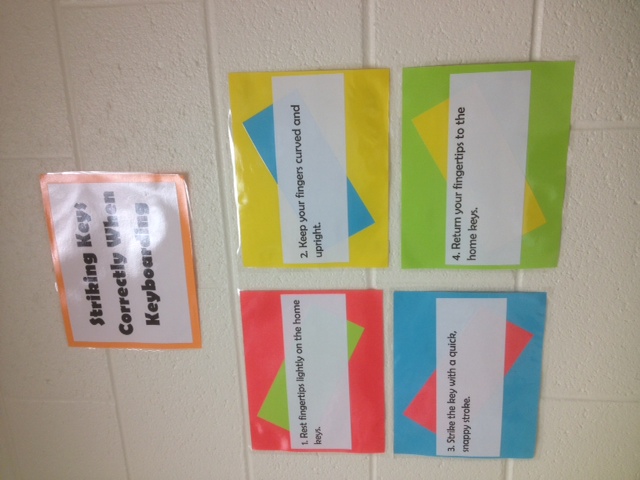
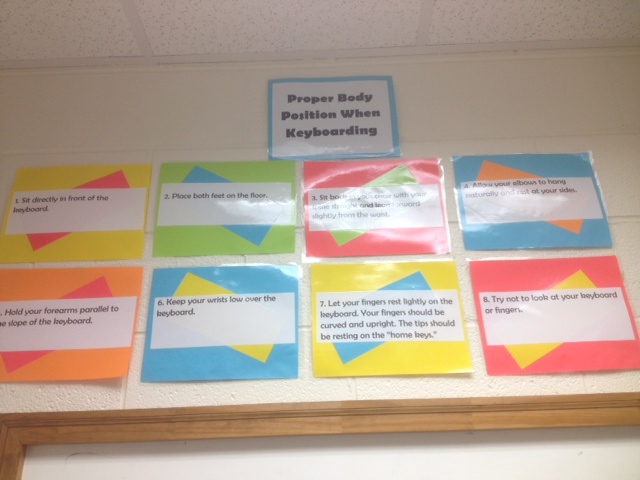
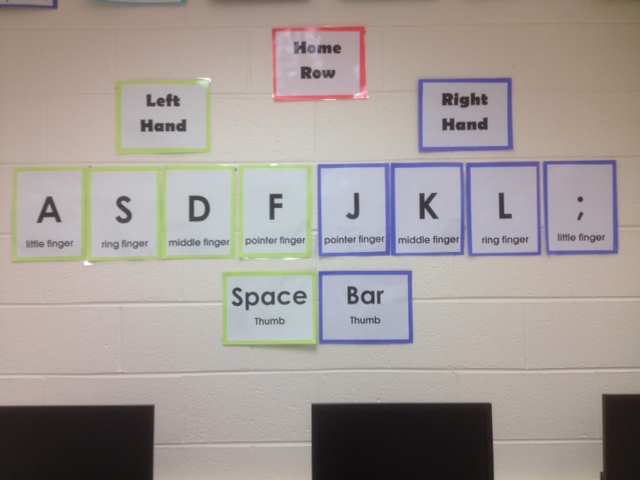
Keyboarding is being pushed by our district because of the SOL Writing Tests students are now having to type online. I would really like some giant keyboard posters for each lab, but they are expensive. The ideas I’ve seen using take-out boxes to create your own would also be expensive and time consuming when I’d need to make them for six labs. Since I couldn’t afford to buy six giant keyboard posters, I made my own signs about Keyboarding rules (and the Homerow). Feel free to use them too if you would like. I’m including pictures so you can see how I mounted these rules on colored paper. Later maybe I’ll find a deal on giant keyboards or think of a quicker way to make them. I’d love suggestions!
Keyboarding Rules (Posture, Finger Position, Homerow)
QR Codes are the latest and greatest craze in education, so for fun, I posted computer jokes with QR Code answers. I posted these all around the lab. You can snag those here:
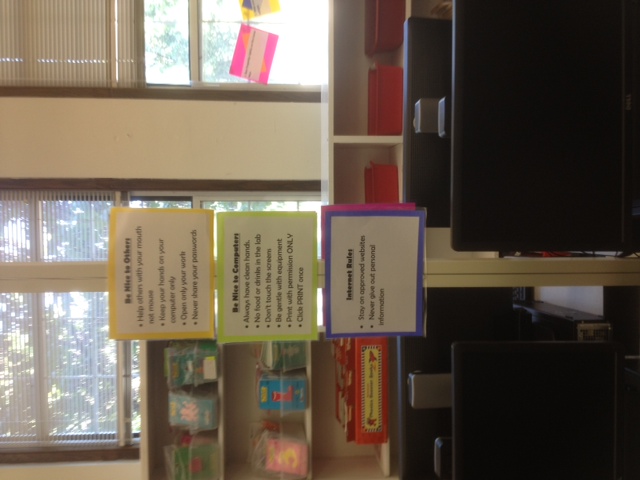
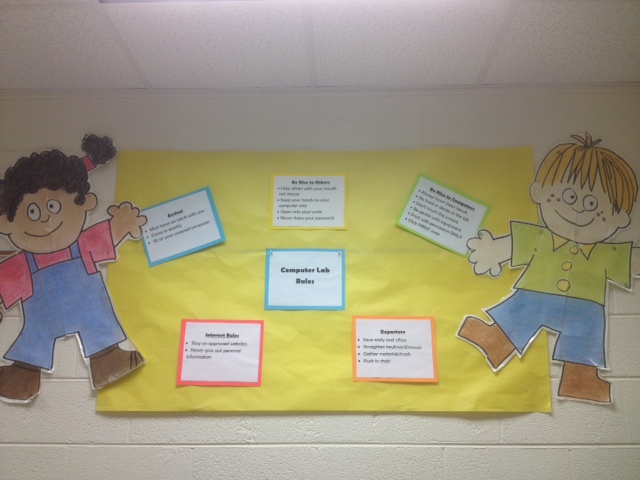
And our labs have had outdated rules (if there are any posted at all), so I create five posters for lab rules. I did get this idea from the Elementary Tech Teachers Ning. I made multiple copies of the signs for each lab. First, I hung all the rule posters in one area, and then I hung copies of individual signs around the room. The Arrival and Dismissal signs went on the front and back of the door, and the Be Nice to Each Other, Be Nice to Computers, and Internet Rules I hung in various places around the lab near the computers. Here they are if you want to use them:
Finally, in some of my labs, I still had space, so I posted Control Key shortcuts. You can find those below:
I’d love more ideas…so if you have any for me, please leave a comment below!